Sign Up Instructions

Let's Get Connected

Please click on button below to request a Realm account invitation.

*Please note: Invitation links are only valid for 72 hours. You will need to request a new link if yours has expired. Contact Brent Kelso if you have any questions, bkelso@gpmchurch.org *

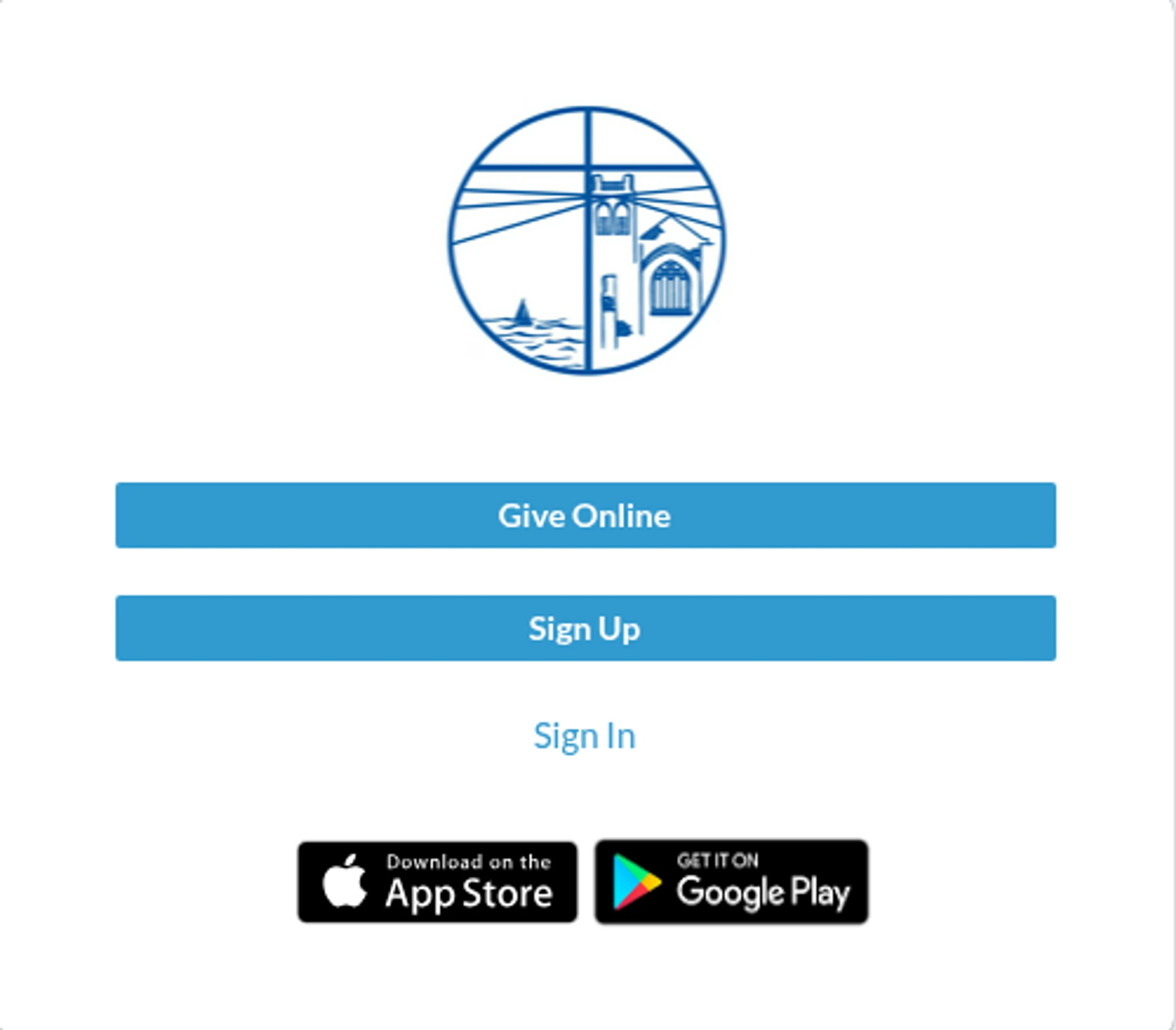
Sign Up Web Page
Account Request Form

Once you've signed in, here are 3 steps to get you started:

  1. Download the Realm Connect app from the Apple App Store or Google Play.
  2. Update your profile:
    • In the app, open the menu (three lines in the upper-left) and select Profile.
    • Update your information, upload a photo, and edit family member profiles.
    • On a web browser, access My Profile from the upper-right dropdown.
    • Set your contact information (email, phone, address) to "visible by anyone in the church" to help maintain an accurate directory.
  3. Access the member directory:
    • Select the search icon (upper-right) in the app or web browser.
    • Search by first name, last name, or partial name.
    • Note: The directory continues to expand as members create their Realm accounts.
